


Free AI tools for digital marketing can help you research topics, draft copy, edit writing, create visuals and prepare social posts. Useful options include ChatGPT, Gemini, Claude, Microsoft Copilot, Gemini Notebook, Ahrefs writing tools, Grammarly, Adobe Express, Otter and Buffer, each with different limits.
A student building a portfolio or a small business preparing its first campaign rarely needs ten subscriptions. The harder problem is choosing tools that fit the work, understanding what is actually free and checking the output before a customer sees it. A generous chat allowance does not automatically include unlimited image generation, commercial assets or team approvals.
This guide compares ten options by the job they can support. Official free-access details were checked on 2 October 2026. The examples are suggested workflows, not firsthand product benchmarks or real ZenX case studies. Tool order follows a content production process rather than a performance ranking.
Quick summary: Choose one general assistant, add a source-based research tool when you have documents, use an editor for final copy, then connect design and publishing tools only when the campaign needs them. Keep source verification and human approval in the workflow.
How were these free AI marketing tools selected?
Each option offers a useful AI task through an ongoing free plan or free public tool. A short premium trial alone does not qualify. The shared criteria are a practical marketing use, a clear official source, a workable free entry point and limitations that a beginner can understand before relying on it.
There are several general assistants because their roles overlap. You can choose among them instead of running every draft through four different chats. The shortlist also includes specialised tools for document research, copy generation, proofreading, visual content, transcription and social scheduling. Those tasks cover a realistic production workflow without suggesting that software replaces marketing strategy.
Free access means no subscription fee for the described entry-level feature. It does not mean every feature, automation connection or content licence is free. Account, country, language and age requirements can affect availability. Where a vendor changes quotas dynamically, check the account’s current notice instead of building a campaign around an old number.
Which free AI tool fits each digital marketing task?
The following comparison is qualitative. It compares task fit and verified limits, not accuracy scores, speed measurements or predicted returns. Start with the row matching your immediate problem; the individual sections explain how to use that tool without confusing a free entry point with its paid suite.
| Tool | Recommended task | Free access | Main limitation |
|---|---|---|---|
| ChatGPT | Briefs and drafts | Free text chat; separate tool limits | Verify every factual claim |
| Gemini | Ideas and planning | ₹0 entry option; feature limits vary | Ideas are not measured demand |
| Claude | Draft critique and editing | Free plan with limited use | Check meaning after rewrites |
| Microsoft Copilot | Web-informed exploration | Free AI chat; regional availability varies | Read original cited sources |
| Gemini Notebook | Research from supplied sources | Free Standard with multiple quotas | Source quality controls answer quality |
| Ahrefs writing tools | Small copy-generation tasks | Free public utilities | Wider platform features are separate |
| Grammarly | Proofreading and AI assistance | Free; 100 AI prompts/month | Language checks do not verify facts |
| Adobe Express | Visual content preparation | Free editing and limited AI generations | Premium assets and quotas differ |
| Otter | Interview transcription | 300 minutes/month; 30 minutes/conversation | Only 3 lifetime file imports |
| Buffer | Social drafts and publishing | 3 channels; 10 queued posts/channel | Solo plan; larger workflows differ |
For specialised keyword research, technical audits and AI visibility monitoring, read our separate AI SEO tools comparison. That buying guide covers a different decision. This article concentrates on free content production and campaign preparation, including small tasks that do not require a paid SEO platform.
1. ChatGPT for marketing briefs and first drafts
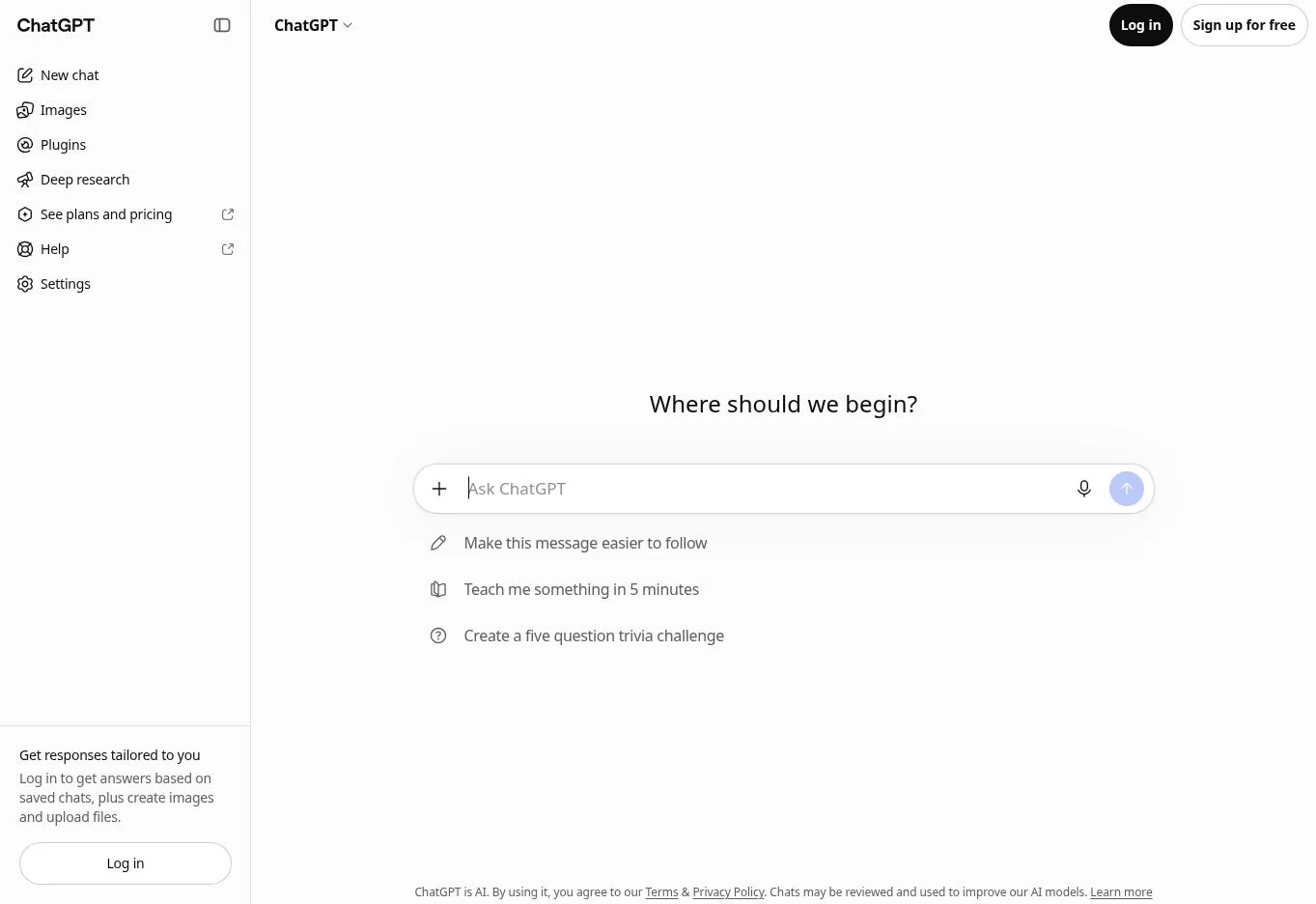
ChatGPT is a flexible starting point for turning a brief into possible content structures. It can help with writing, brainstorming and follow-up revisions. OpenAI’s Free Tier FAQ confirms free access and separates everyday text chat from limits on uploads, image generation and other tools. Paid subscriptions expand access; the free product is not an unrestricted production API.
Its recommended role here is a general drafting assistant for students, freelancers and small businesses. Give it the audience, objective, offer, confirmed facts and tone. For a hypothetical Chennai repair service, ask for three short service-page introductions based only on supplied opening hours and service areas. Ask it to flag missing information rather than invent prices or warranties.
The strength is an iterative conversation: you can narrow the draft instead of restarting a template. The limitation is factual reliability. Verify claims and sources separately, remove unsupported promises and edit generic phrasing. Do not treat a confident response as proof of search demand or a guarantee that an advertisement will convert.
2. Gemini for campaign ideas and content planning
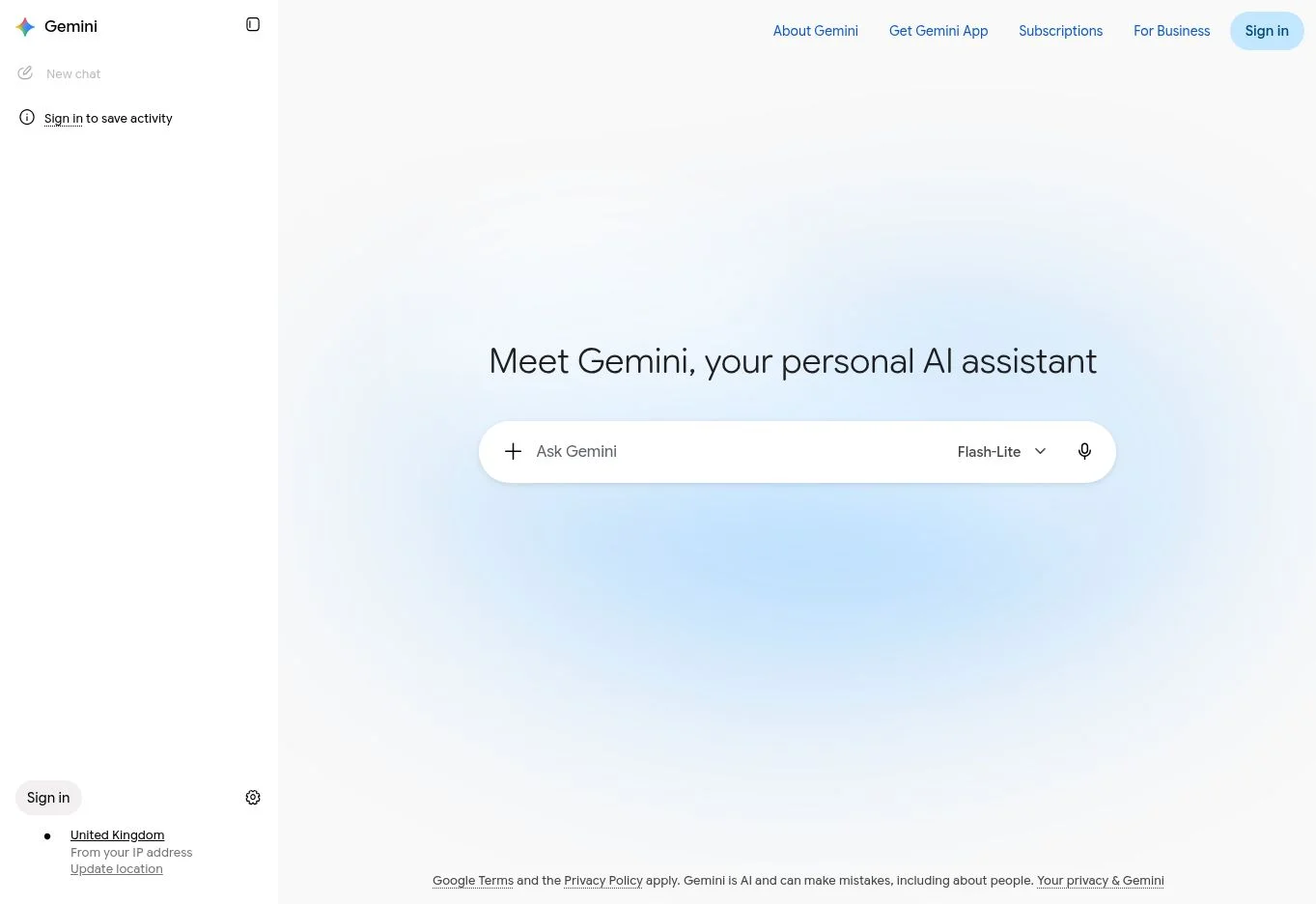
Gemini is another general assistant for writing and planning. Google’s India product and plan overview lists a free-of-charge option at ₹0 per month with a Google Account, including writing-related assistance and selected AI capabilities. Access differs across features; the page also distinguishes paid plans with higher limits.
It earns a place as an alternative brainstorming workspace for marketers who want to compare angles before drafting. A hypothetical Tamil Nadu training business could supply approved course topics and ask for a four-week theme plan. Require each proposed post to answer a different learner question and identify the evidence needed for its central claim.
The useful feature is conversation around ideas, formats and revisions. Its limitation is that generated ideas are hypotheses, not measured keyword opportunities. Compare them with real enquiries and existing website content before choosing a title. Do not assume that free chat access includes every advanced feature advertised elsewhere or that connecting an account automatically authorises access to confidential business files.
3. Claude for editing a supplied marketing draft
Claude can write and edit content, and its official plan overview offers a free option with limited use. It is a reasonable alternative when the task starts with an existing draft and clear editing instructions. The recommendation is about that workflow fit; it is not a claim that Claude outperforms other assistants.
For a hypothetical freelancer, provide a landing-page draft and ask Claude to identify repetitive passages, unexplained terms and claims without evidence. Then request a revision that preserves the offer, dates and factual details. Separate the critique from the rewrite so you can decide which changes deserve acceptance.
The strength is the ability to discuss a draft and give explicit constraints. The limitation is that fluent editing can still change meaning or insert an unsupported benefit. Compare the revised copy with the original brief before publication. Free usage is limited, so finish a focused task rather than depending on long continuous sessions. Sensitive client documents need a suitable approved account and handling process.
4. Microsoft Copilot for web-informed topic exploration
Microsoft Copilot offers free AI chat for writing, brainstorming, summarising and web-based answers. Microsoft’s comparison of free Copilot and subscription versions explains that the free experience differs from the deeper app integrations and business features available through eligible subscriptions. Availability can vary by region.
Its role is an alternative research starting point, particularly when you need questions to investigate before creating content. A hypothetical home-services business could ask what customers need to know before requesting a quotation. Use the response to build a research checklist, then visit the original sources and check whether they support the proposed statements.
The strength is combining an assistant with web-oriented exploration. The limitation is that an answer may simplify, omit or misinterpret a source. A cited page still needs reading. Free consumer chat should not be described as including enterprise data protection or unrestricted access inside office applications. Keep the task narrow and record the original evidence alongside the draft.
5. Gemini Notebook for research grounded in your documents
Google’s document research product is now presented as Gemini Notebook; readers may know its earlier NotebookLM name. It helps you ask questions about material you supply and organise source-based research. Google’s Standard and upgraded access comparison lists free Standard access and separate limits for notebooks, sources, chats and generated formats. The guidance notes usage-limit changes beginning in September 2026.
This is useful for a marketer working from approved product documents, interview notes or public reports. In a hypothetical campaign, add a current product specification and an approved customer-question document. Ask which questions the sources answer, which they leave unresolved and where each answer is supported. Keep documents current and clearly labelled.
The strength is focusing the discussion on a defined source set. Its limitation is that source grounding does not make outdated or incomplete inputs correct. Open cited passages, check context and request missing information from the business. Treat generated summaries as working notes. Free access has quotas; do not assume that every visual or audio format can be generated without restriction.
6. Ahrefs free AI writing tools for small copy tasks
Ahrefs offers a separate collection of free AI writing tools, including outline, paragraph, title, description and social-copy generators. These public utilities earn a place for small, clearly defined drafting jobs. Their free status does not mean the wider paid platform or all its SEO and AI visibility features are included.
A hypothetical online seller could use a product-description generator to propose wording from confirmed material, size and care details. Review the draft for invented ingredients, exaggerated durability or claims absent from the brief. For a blog title, generate options and choose the one that accurately describes the article rather than the most dramatic promise.
The strength is task-specific entry points that reduce the need to write a long general prompt. The limitation is that generated copy does not measure demand, analyse your complete site or establish originality. No unlimited production quota is claimed here. Use these tools for a bounded draft, then apply the same fact, tone and customer-value checks you would use with any other assistant.
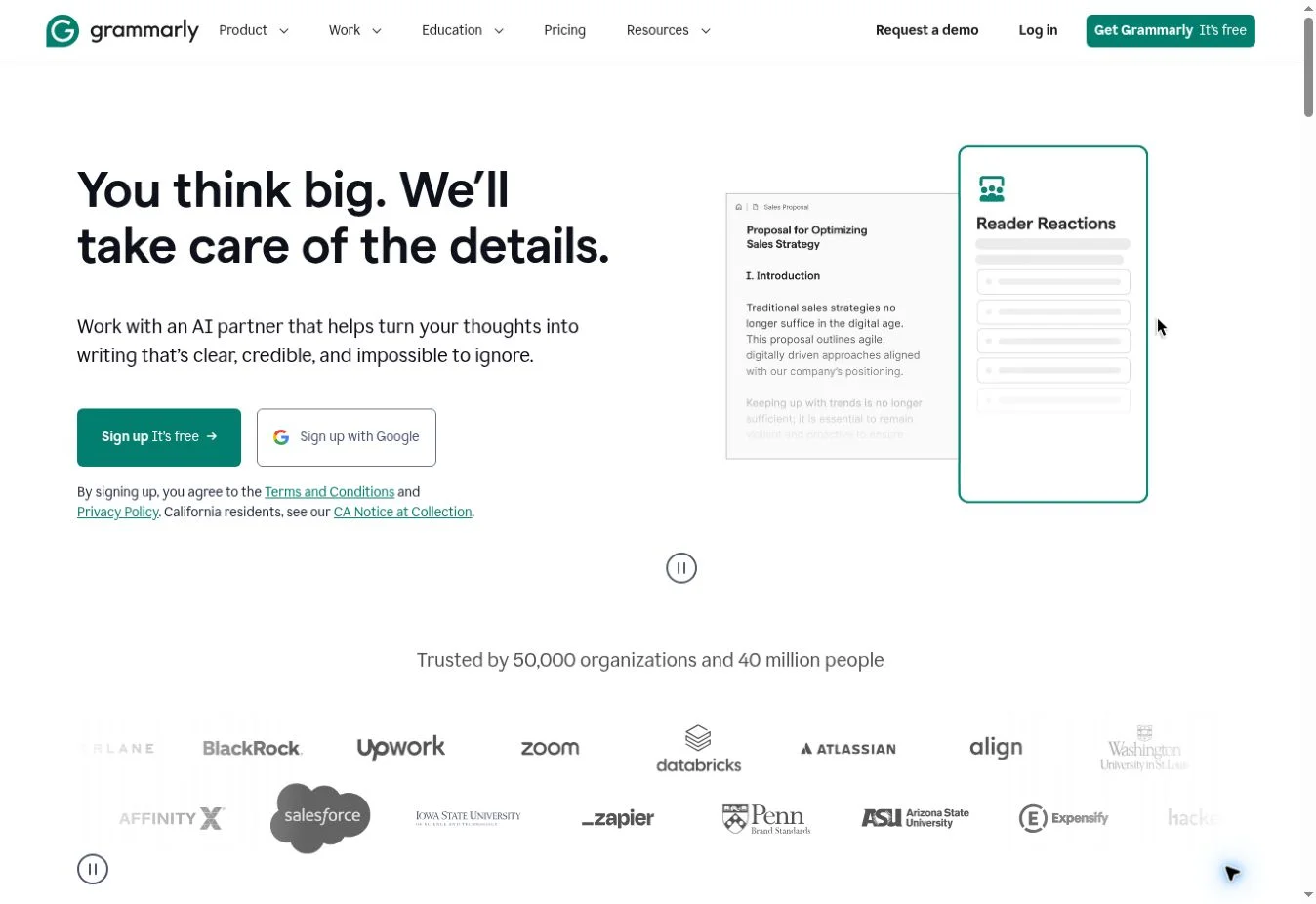
7. Grammarly for proofreading and limited AI assistance
Grammarly belongs near the end of the writing process. Its current plan comparison lists spelling and grammar assistance, tone visibility and 100 AI prompts per month on the Free plan. Advanced rewriting and other expanded features appear in paid plans. The monthly prompt allowance is different from an unlimited writing service.
It suits a student preparing portfolio copy or a freelancer checking an English client email. Draft the message first, confirm the facts, then use suggestions to examine errors and unclear sentences. Check whether a suggested phrase still sounds like the business and whether it changes the strength of an offer or instruction.
The strength is assistance during final copy review rather than a new campaign strategy. Its limitation is that correct grammar cannot establish correct information. Keep names, numbers, prices and technical terms under human review. Do not infer that the free plan includes every advanced feature shown in a product demonstration. Use the available AI prompts for passages that need a specific improvement.
8. Adobe Express for marketing visuals on a free plan
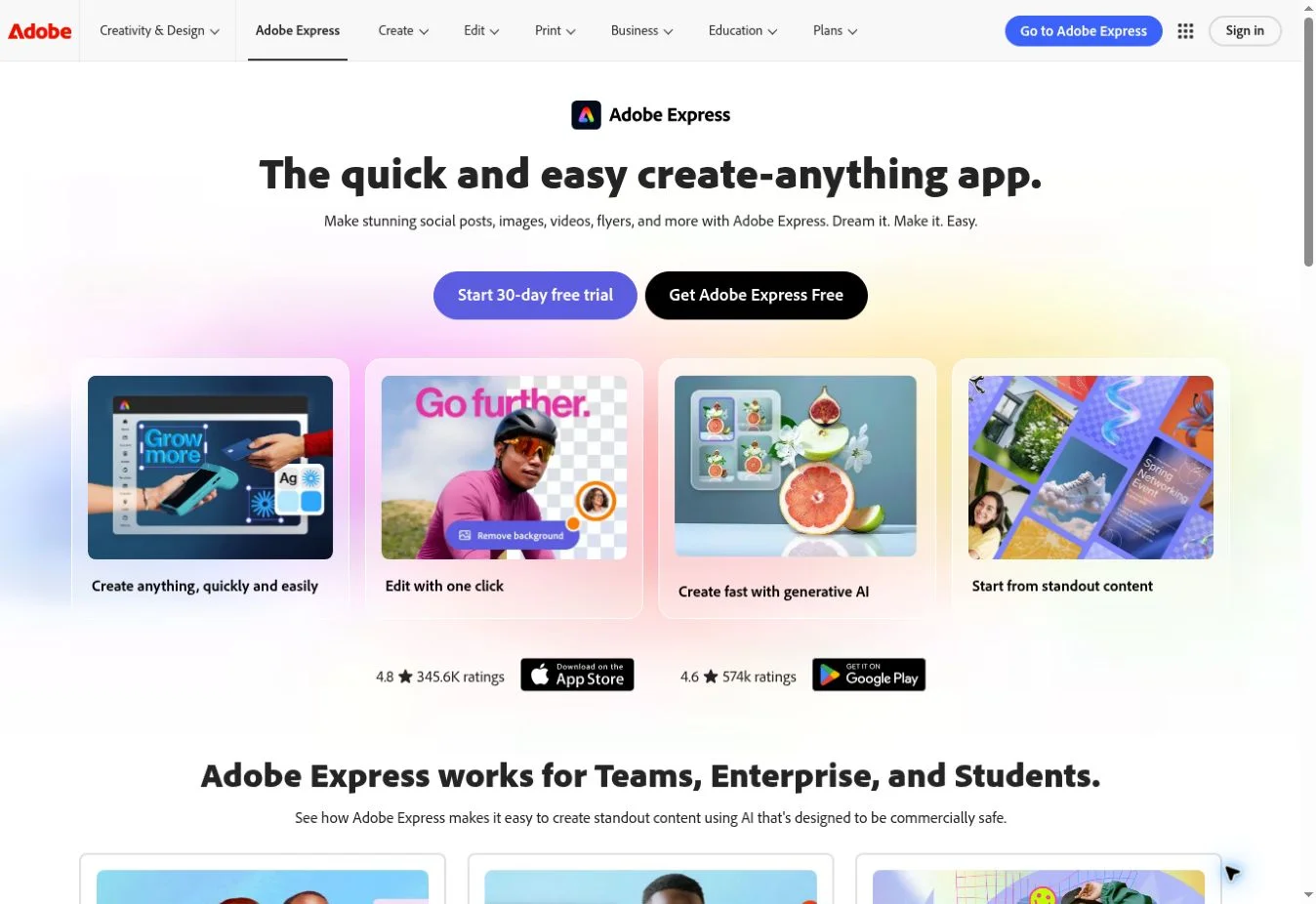
Adobe Express combines design templates, editing tools and selected generative features. Its Free and Premium comparison distinguishes the ongoing free plan from the premium trial. It lists limited free daily generations for selected AI functions; the 250 monthly generative-credit allowance belongs to Premium, not the ordinary Free plan.
It is a practical design option for small social campaigns and portfolio exercises. In a hypothetical local bakery campaign, start from an appropriate free template, use approved product photographs and add a concise message. If you generate decorative imagery, make sure customers can distinguish illustration from the actual product. Preview the result at phone size before export.
The strength is combining a visual editor with an accessible free starting point. The limitations include premium assets, feature restrictions and varying AI allowances. Check asset licences and commercial-use conditions for the specific content you use; a vendor’s commercial-safety positioning is not blanket permission for every uploaded or generated element. Confirm that the final design exports without an unexpected upgrade requirement.
9. Otter for turning recorded conversations into content notes
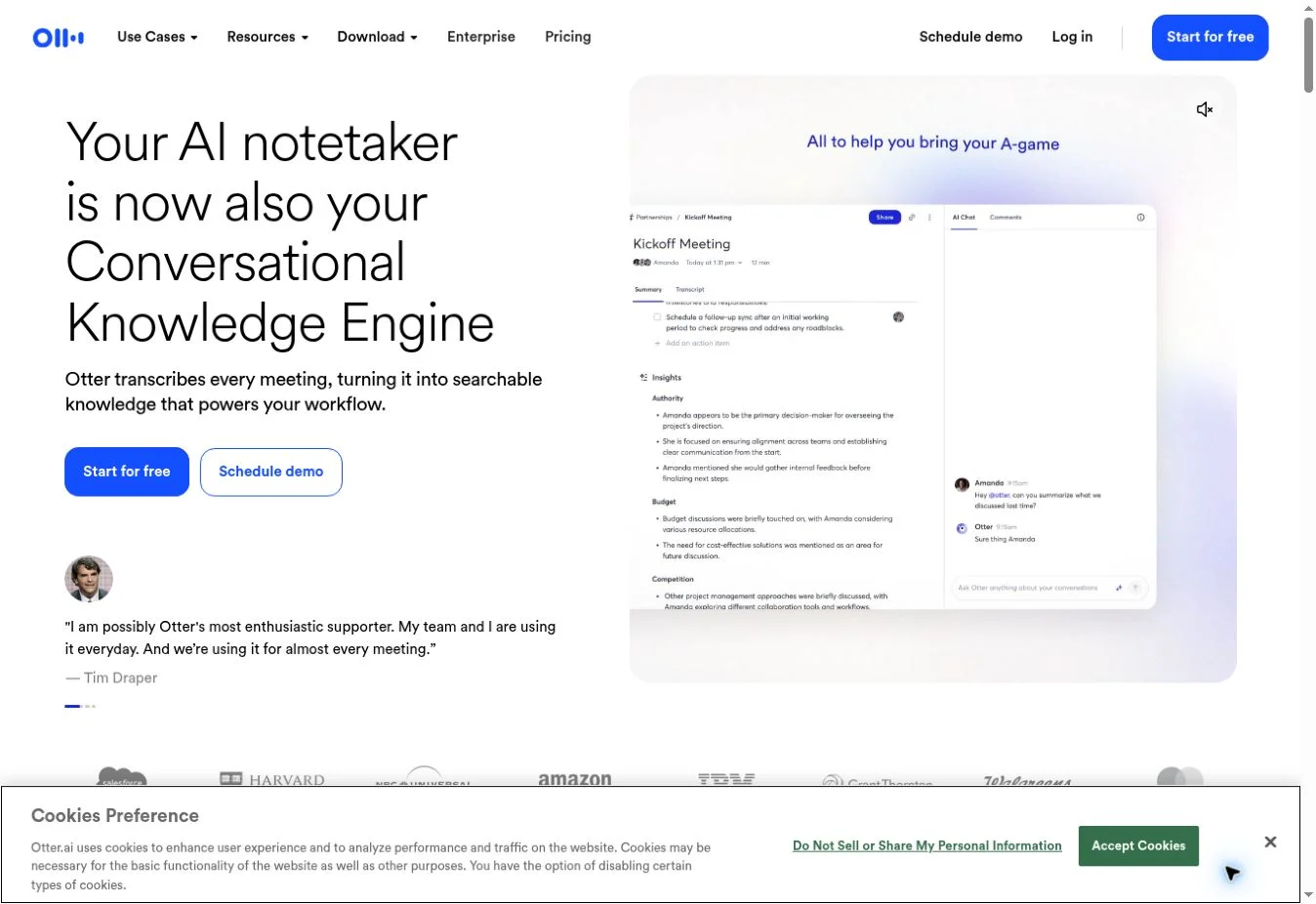
Otter offers AI transcription and meeting-related assistance. Its Basic plan comparison lists a free plan with 300 monthly transcription minutes, a 30-minute conversation limit and three lifetime audio or video file imports. The lifetime import allowance is especially important: it does not reset each month like the minute allowance.
This suits a marketer collecting ideas from short, permissioned interviews or discussions. For a hypothetical founder interview, prepare questions in advance, explain the intended recording and content use, then create a transcript. Mark useful passages as possible article ideas or quotes. Check names, figures and specialised terms against the audio before reusing them.
The strength is making spoken material easier to review and organise. The limitation is transcription accuracy and the small imported-file allowance. Do not publish an AI summary as a verbatim quotation, and do not assume support for every language or accent. Check language availability before a Tamil or Tanglish recording. Longer sessions and regular file-import workflows may need another process or a paid plan.
10. Buffer for AI-assisted social drafts and scheduling
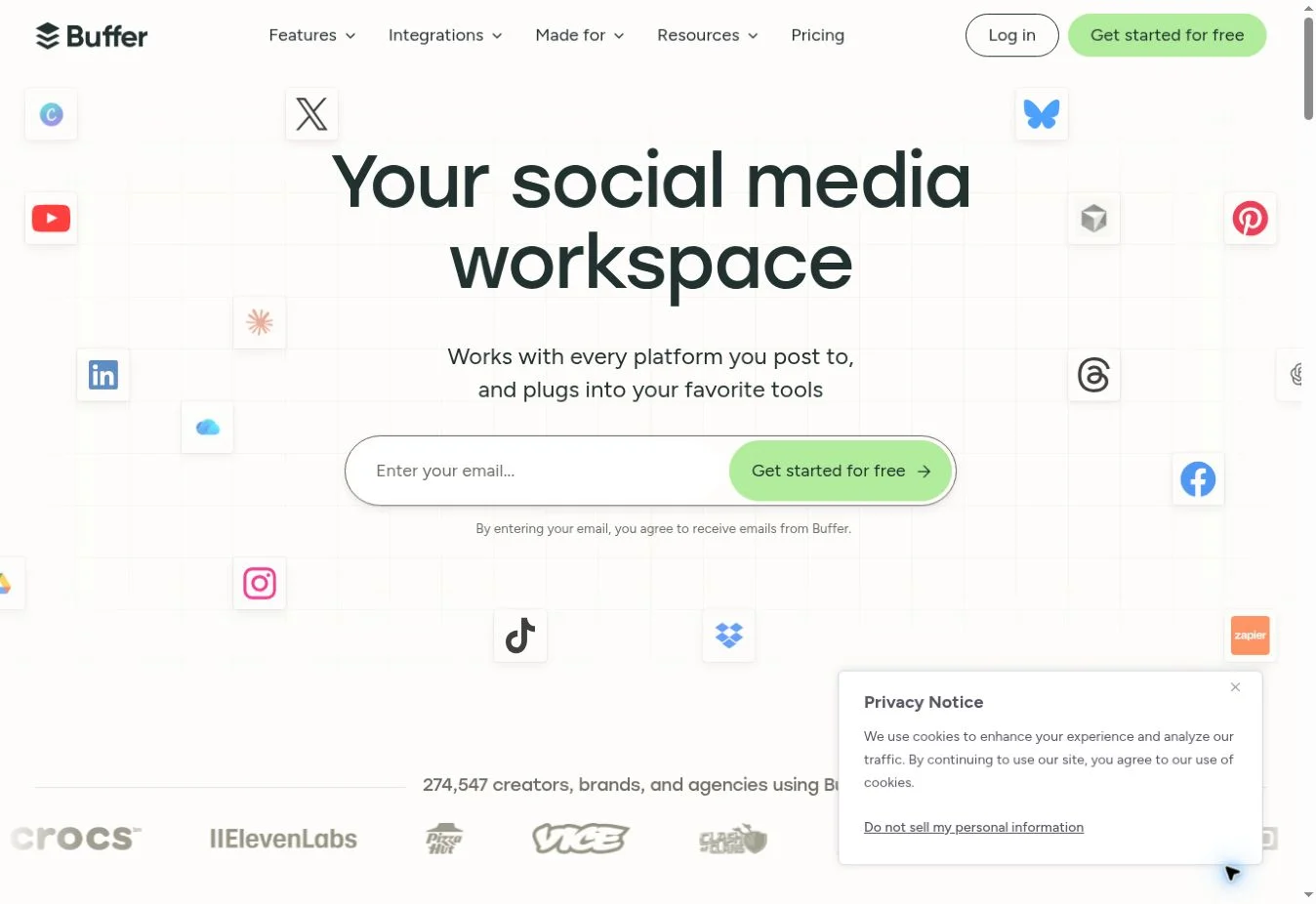
Buffer connects content preparation with social publishing. Its Free plan supports up to three channels, one user and ten queued scheduled posts per channel, with the queue refillable. This is a queue limit, not a lifetime total. Paid plans add capacity and features for larger workflows.
Buffer’s AI Assistant guidance states that a free account can use the assistant without a stated generation limit. Its public no-account generator has a separate daily cap. Keep those two experiences distinct. Use the assistant to adapt an approved message into shorter, clearer social drafts, then review each version before scheduling.
The strength is keeping drafts and publishing tasks in one workflow. Its limitation is that AI-generated variations can repeat the same angle or introduce a claim the original did not contain. Check the channel, image crop, link and scheduled time. A solo free plan does not automatically provide the approval controls, permissions or capacity an agency needs across multiple clients.
How can a small business combine free tools without extra work?
Build a small stack around one campaign rather than collecting accounts. A hypothetical Chennai retailer could begin with a verified offer, approved photographs and customer questions. Use one general assistant to develop an outline, or Gemini Notebook when the answers depend on supplied documents. Choose the approach that matches the source material; using both is optional.
Next, prepare one main piece of content. Check its claims against original evidence and remove vague promises. Use Grammarly for a final language review if needed. Create a suitable visual in Adobe Express, then use Buffer to prepare a small group of social posts pointing to the finished page. Review every adaptation because shortening can remove important qualifications.
Record the time spent on drafting, corrections and approval. Compare that with your previous process before deciding whether the tools help. Track useful reader actions through your normal reporting method rather than attributing every enquiry to AI. A free workflow is successful when it produces accurate, useful content with manageable effort, not merely more drafts.
What should you check before paying for an AI marketing tool?
Upgrade when a specific, repeated limitation blocks work you already need to complete. Examples include running out of a queue, needing more imported recordings or requiring a team approval process. Write down the limitation, the current workaround and the benefit you expect from the paid feature. That creates a clearer decision than subscribing because a demo looks impressive.
Check whether the plan solves the problem at the account and usage level you need. Compare monthly and annual commitments, tax treatment where stated, cancellation terms and the number of users or channels covered. Paid prices are not compared here because the shortlist is about verified free entry points, not equivalent paid packages.
Keep a final publishing checklist: facts confirmed, permission for source material, licences checked, brand tone reviewed, links working and mobile presentation readable. AI tools support these tasks; they do not guarantee leads, rankings or revenue. If you want structured learning around the wider workflow, explore the ZenX Academy AI digital marketing syllabus overview and check current course details before making an enrolment decision.
Which free AI marketing tool should a beginner start with?
Start with one general assistant for a clearly defined writing task, then check its output against your brief. Add a specialist only when needed. Learning to verify facts and improve instructions matters more than opening ten accounts.
Are free AI plans the same as free trials?
No. An ongoing free plan offers a limited service without a subscription deadline, while a trial temporarily unlocks paid features. Check which option you selected, whether payment details are required and what happens when the trial ends.
Can I use a free chatbot for keyword research?
A chatbot can suggest topic and query ideas, but those suggestions do not establish search volume or difficulty. Validate demand with suitable research and real customer questions. Keep brainstorming outputs separate from measured keyword data in your planning.
Can AI-generated marketing copy be published without editing?
Review generated copy before publication. Check factual statements, offers, tone and any source references, then make the message specific to the business. Fluent wording can still contain errors, unsupported claims or information that customers may misunderstand.
Does a free image tool include commercial rights?
Free access does not automatically establish commercial rights for every asset or output. Review the relevant licence, feature terms and uploaded material permissions. Avoid using generated imagery to imply that a business sells a product it does not.
Is Gemini Notebook the same product as NotebookLM?
Google now presents its document research product as Gemini Notebook, which readers may recognise as NotebookLM. Check the current official interface and help pages for available plans and limits, rather than relying on older screenshots or quota lists.
How can marketers protect client information in free tools?
Use public or approved material and remove unnecessary identifiers before submitting a prompt. Check account settings, organisational rules and data handling terms. Confidential client work may require an approved business plan or a different workflow with suitable controls.
Can these tools help with Tamil or Tanglish campaigns?
They can assist with ideas and drafts where the relevant language is supported, but quality varies by feature. Have a fluent reviewer check meaning, tone and local context. Verify transcription language support before relying on a recorded interview.
Does using several AI assistants make content more accurate?
Agreement between assistants is not independent verification because their answers may repeat similar errors. Check original sources and confirmed business information. Use another assistant for critique when useful, but keep evidence and human review as the deciding checks.
When should a freelancer upgrade from a free plan?
Upgrade when a recurring limit causes a clear problem, such as insufficient imports, missing approvals or inadequate publishing capacity. Compare the paid feature with your actual workload and budget. Avoid paying for capabilities you have not needed yet.
Official sources for free-plan details
The official plan and help pages linked beside each tool supplied the free-access information in this guide. Checked on 2 October 2026. Revisit those sources before committing a campaign to a specific allowance because features, eligibility and quotas can change.
Explore ai tools for marketing & seo
Start with the main guide: 15 Best AI SEO Tools for Rankings, Content & AI Visibility in 2026.
Continue exploring: